
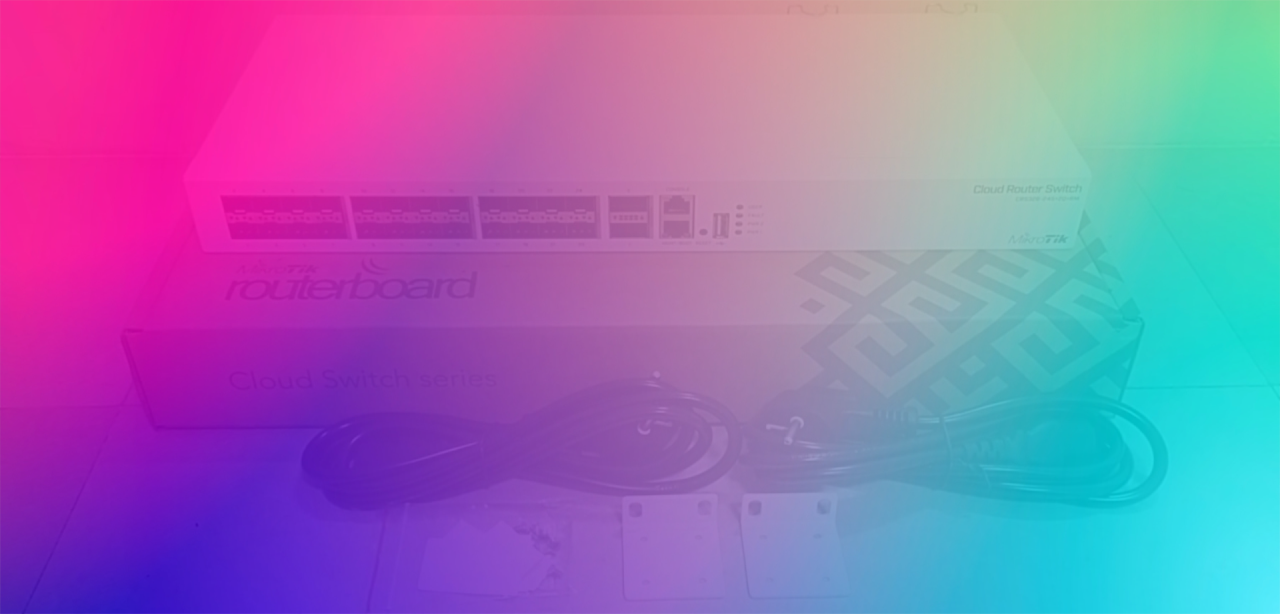

Featured
Lab 2.1 - Point-to-Point Addressing with /30 and /31
MTCRE Lab 1.10 - Routing Marks and Policy Based Routing

Welcome to MikroTik First 30 Days
MTCRE Lab 1.9 - Recursive Next-Hop Resolution
Action Shots Requested!
MTCRE Lab 1.8 - Gateway Reachability Check and Recursive Routes

MikroTik RouterOS 7.x Cheat Sheet
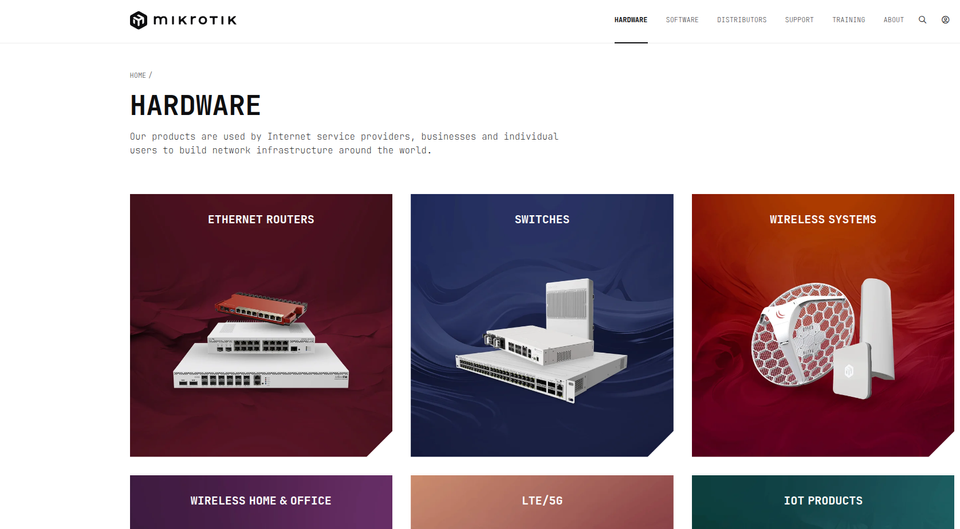
MikroTik's New Look
MTCRE Lab 1.7 - Forcing Gateways over Specific Interfaces
Installing Mikrotik CHR in EVE-NG (Part 3)
MTCRE Lab 1.6 - ECMP (Equal-Cost Multi-Path)
MTCRE Lab 1.5 - More Specific Routes
MTCRE 1.4 Understanding Scope and Target Scope
MTCRE Lab 1.3: Understanding Administrative Distance
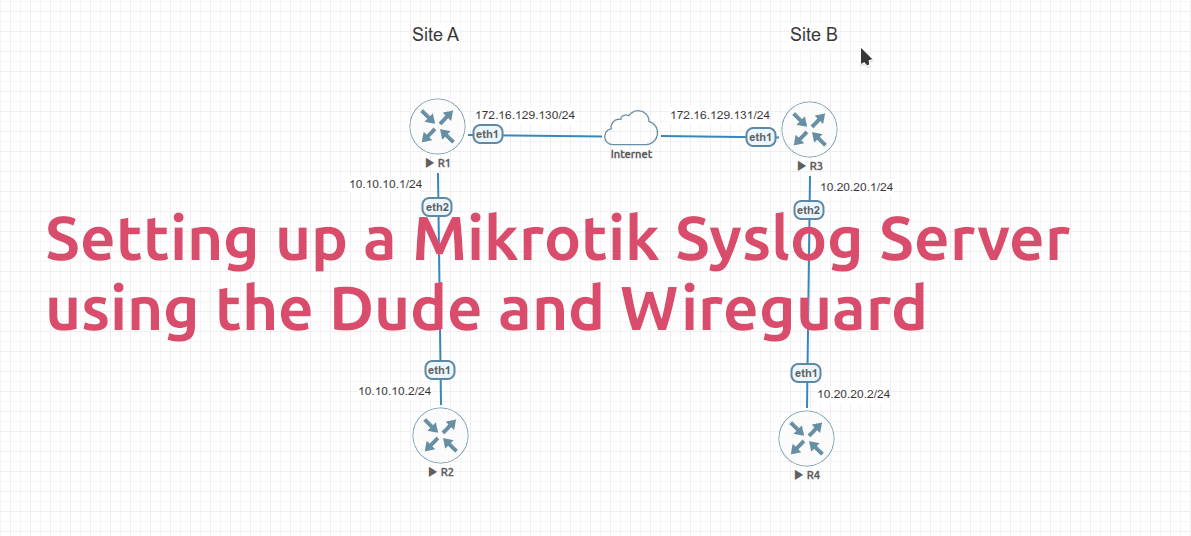
Configuring a MikroTik Router as a Syslog Server Using The Dude

We are accepting applications for our Advisory Committee
MTCRE Lab 1.2: Route Selection & Longest-Prefix Match
MTCRE Lab 1.1: Static Routing

How to Limit VLAN Traffic Speed on a MikroTik router
Blog
-
I've never heard of Mikrotik before.
-
Changing the Router Host Name
-
Demystifying MikroTik Certification: Your Path to Networking Expertise
-
The Vital Role of MTCNA Certification in Networking: Why It Matters
-
Navigating the MTCNA Exam: An Overview of Objectives and Preparation
Certification
-
Why become Mikrotik Certified?
-
MikroTik Certification Programs
-
Demystifying MikroTik Certification: Your Path to Networking Expertise
-
The Vital Role of MTCNA Certification in Networking: Why It Matters
-
Navigating the MTCNA Exam: An Overview of Objectives and Preparation
News and Events
-
Coming soon
-
WiFi6 is here (and it's about time)
-
Join our Discussion.
-
Newsletter #117 | March 2024
-
Newsleter #119 | July 2024
Quick Tips
-
MikroTik Quick Tip: Show connected devices
-
Mikrotik Default Login Credentials
-
Quick Tip: Changing DNS providers
-
Copying Files to Mikrotik Router using SSH
-
Backing up and restoring a MikroTik Router
Shop
Support
-
MikroTik Quick Tip: Show MAC address table
-
MikroTik Quick Tip: Show connected devices
-
Join our Discussion.
-
Changing the Router Host Name
-
Configure DHCP Services
The Lab
-
The Lab
-
Lab 1.1 Installing GNS3 - the virtual network simulator.
-
Lab 1.2 Installing MikroTik RouterOS on GNS3
-
Lab Series 1: An introduction to computer networking.
-
Join our Discussion.